Why “Curating, Not Copying” Is the New Rule for Pinterest Success
· Yogi
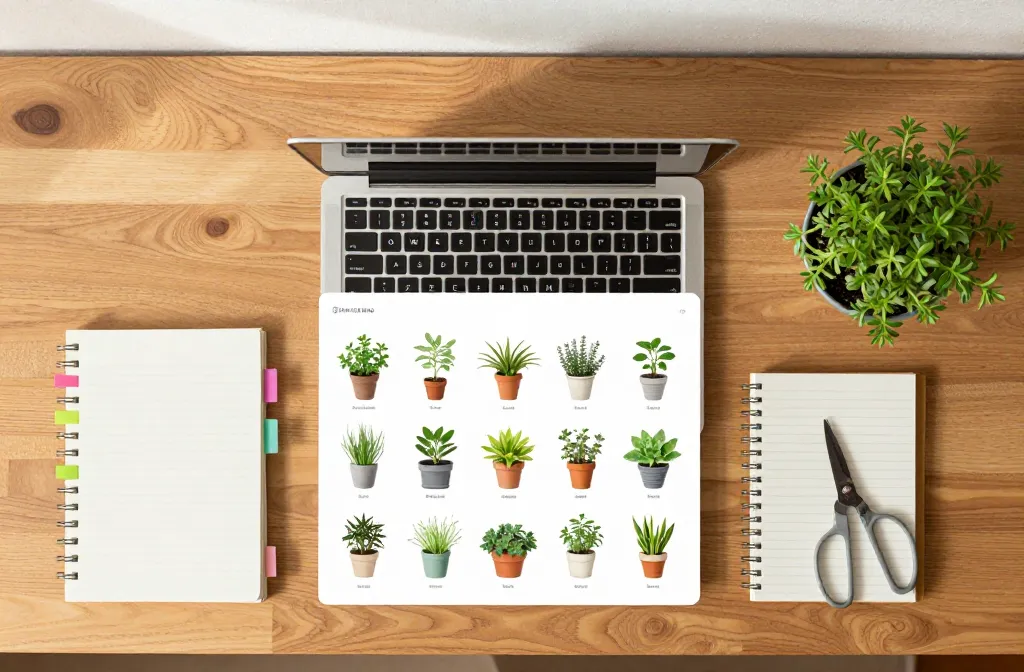
I used to dump pretty plant photos onto Pinterest and wonder why nothing stuck. Then I started curating boards the way I plan a season on my balcony — with a clear theme, reliable sources, and useful notes. Saves climbed, outbound clicks followed, and my garden posts stopped feeling invisible. In this guide, I’ll show you exactly how to use curating, not copying to build boards people trust and return to — so your pins earn saves, clicks, and followers without chasing trends or stealing content.
Why Pinterest Rewards Curators Over Copiers

Pinterest functions like a visual search engine, not a social feed. It categorizes pins by relevance, engagement quality, and source integrity.
When you copy or repin at random, your boards look like a junk drawer. When you curate, you create focused boards with consistent topics, accurate descriptions, and trustworthy sources — the signals Pinterest uses to show your content to more people.
Action today: Rename one board to a specific, search-friendly theme like “Low-Light Indoor Herbs That Actually Grow” instead of “Herb Ideas.”
Define Board Niches That Solve One Clear Problem
Vague boards confuse the algorithm and your audience. Specific boards attract targeted searches and higher-quality engagement.
Think in problems your fellow apartment gardeners face: low light, small balconies, pet-safe plants, thrifted planters, or winter care. Build boards around those pain points so every pin feels useful, not random.
Board Ideas That Consistently Perform
- Bright Indirect Light Houseplants: East-facing window success stories and placement photos.
- Pet-Safe Indoor Greenery: Non-toxic plants with care summaries and room setups.
- Small Balcony Veggies: Containers, trellises, and weekly progress shots.
- Repotting Without a Mess: Towel tricks, sink setups, and soil choices.
- Winter Care Checklists: Water spacing, draft protection, and grow-light placement.
Action today: Archive or merge any board that doesn’t answer a single, specific question for a gardener.
Collect From Sources People Trust — And Say Why

Curation means you pick winners and explain the value. Pin from credible sites, then add your short note on what’s useful.
Use content from recognized gardening blogs, brand sites with clear instructions, and creators who show process, not just pretty results. Avoid pins with broken links or spammy redirects — they kill trust and engagement.
What to Write in Each Pin Description
- Problem: “South window too harsh for pothos?”
- Solution: “Sheer curtain + weekly quarter-turn keeps leaves from crisping.”
- Specific: “Water every 10–14 days; let top 2 inches dry.”
- Keywords: “Bright indirect light, apartment windowsill, pothos care.”
Action today: Edit five existing pins with a one-sentence “why it works” note and 3–5 natural keywords.
Create Original Save-Worthy Pins Without Fancy Gear
You don’t need pro cameras. You need clarity and utility. Show what a real apartment gardener wants to see: placement near windows, pot size in hand for scale, and before/after progress.
Use your phone near a bright window. Shoot in natural light, turn off overheads, and hold still for two seconds to avoid blur. Add simple overlays only when they clarify care steps.
Pin Formats That Outperform for Garden Topics
- Step Cards: “Bottom-Watering in 4 Steps” with numbered overlays.
- Side-by-Side: “North vs East Window Growth — 30 Days.”
- Checklist: “Repotting Day: Pot 2” Wider, Fresh Mix, Water Once.”
- Before/After: “Rootbound to Happy — New Leaves in 3 Weeks.”
Action today: Photograph one plant in its actual light spot, add a 4–6 word overlay (“Bright Indirect — East Window”), and publish as a new pin linking to your post.
Describe Boards Like Mini Guides, Not Mood Boards
Board titles and descriptions teach Pinterest what you’re the expert in. Write them like a promise and keep that promise with every pin.
Use everyday language that appears in searches. Avoid jargon like PPFD or EC; say “bright indirect light near a window” and “fresh potting mix from the garden centre.”
Board Description Template
Title: Low-Light Indoor Herbs That Thrive
Description: Grow basil, mint, and parsley on a windowsill with bright indirect light. Simple watering routines, good quality potting mix, and small containers that fit apartments. Step-by-step repotting, pruning, and harvest tips.
Action today: Rewrite one board description to promise a result and list 5–7 natural keywords readers already use.
Pin Consistently, Then prune Like a Gardener

Curators maintain collections. Schedule a small, steady cadence, then trim what doesn’t perform. Consistency builds topical authority.
Pin 3–5 items per board each week. After 30 days, remove low-quality or off-topic pins and double down on formats and sources that attract saves and clicks.
Simple Weekly Workflow
- Save 10–15 strong candidates from trusted sites.
- Create 2–3 original pins from your own photos.
- Write descriptions with one problem, one fix, and clear language.
- Schedule across 3–4 specific boards.
- At week’s end, archive underperformers and note winners.
Action today: Set a 30-minute recurring calendar block to curate, schedule, and prune each week.
Measure What Matters: Saves, Click-Throughs, and Completes

Curating works when people save and act. Track saves and outbound clicks more than impressions. Impressions rise with trends, but saves and clicks prove usefulness.
Look for pins that drive repeat saves on the same boards — that tells you the topic and format hit the mark. Recreate winning angles with new plants, seasons, or room setups.
Action today: Identify the top 3 pins by saves in the last 30 days and plan one new variation for each.
Frequently Asked Questions

Can I repin others’ content, or do I need all original pins?
Repinning high-quality content is fine when you add context and keep boards tightly themed. Your goal is a reliable collection, not a gallery of your work only. Add a useful note in the description and check that the link leads to a real article or tutorial. Mix repins with your own how-to photos to build trust.
How often should I pin to see results?
Post 1–3 pins per day spread across your focused boards. Keep this up for 6–8 weeks to establish topical authority. A small, steady cadence beats bursts. Review analytics monthly and prune off-topic or underperforming pins.
What makes a pin “save-worthy” for garden content?
Show a clear result and the setup that produced it: window direction, pot size, and watering rhythm. Use natural light and readable overlays under six words. Link to a page that repeats the same promise and delivers steps. People save what they can copy at home this weekend.
Do I need fancy design tools for pin graphics?
No. Use your phone camera, free editing on your device, and simple text overlays. Keep fonts clean and large, with high-contrast text over calm backgrounds. The content wins: clear placement, materials from a garden centre, and steps someone can repeat in a small space.
What should I do with old boards that don’t fit my niche?
Archive or make them secret, then migrate any relevant pins to your focused boards. Don’t split attention with broad themes. A tight set of boards that solve real problems will rank more often and earn more saves. Clean shelves invite more browsing — same for your profile.
Conclusion

Curating, not copying, turns your Pinterest into a library people return to because it works in real apartments with ordinary tools. Start with one board that solves a specific problem, add five useful pins with clear notes, and publish one original how-to photo today. Then keep pruning. When your boards read like mini guides, saves and clicks follow — and your garden wins, too.
Leave a Reply